Windows · Free & open source

A Twitch overlay
that stays out of your way.

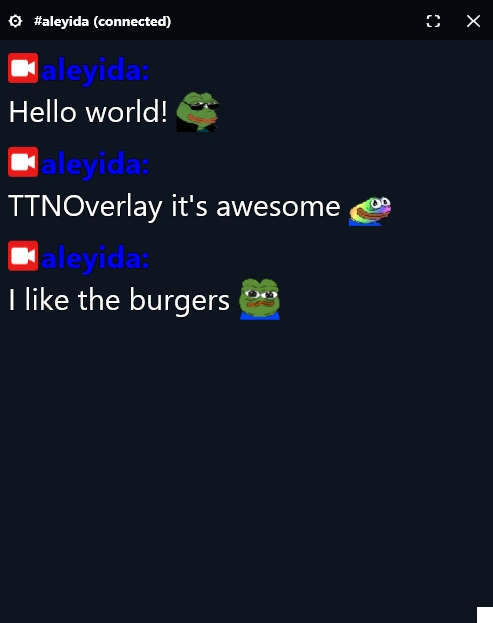
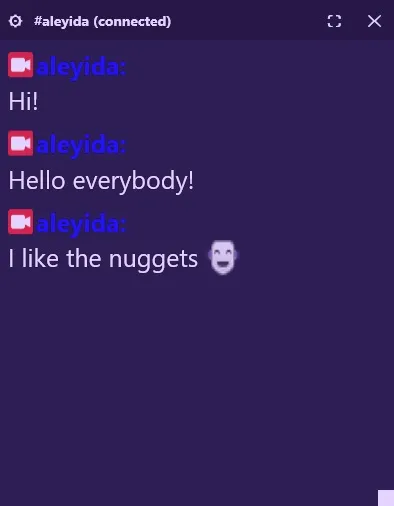
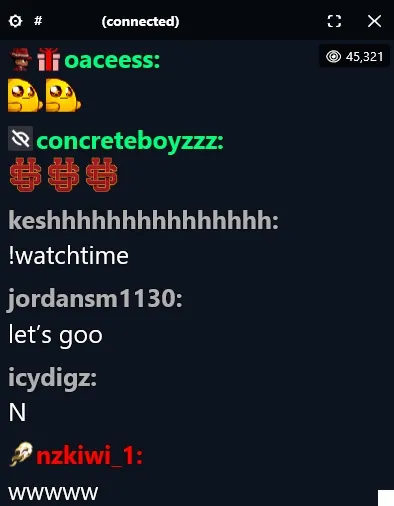
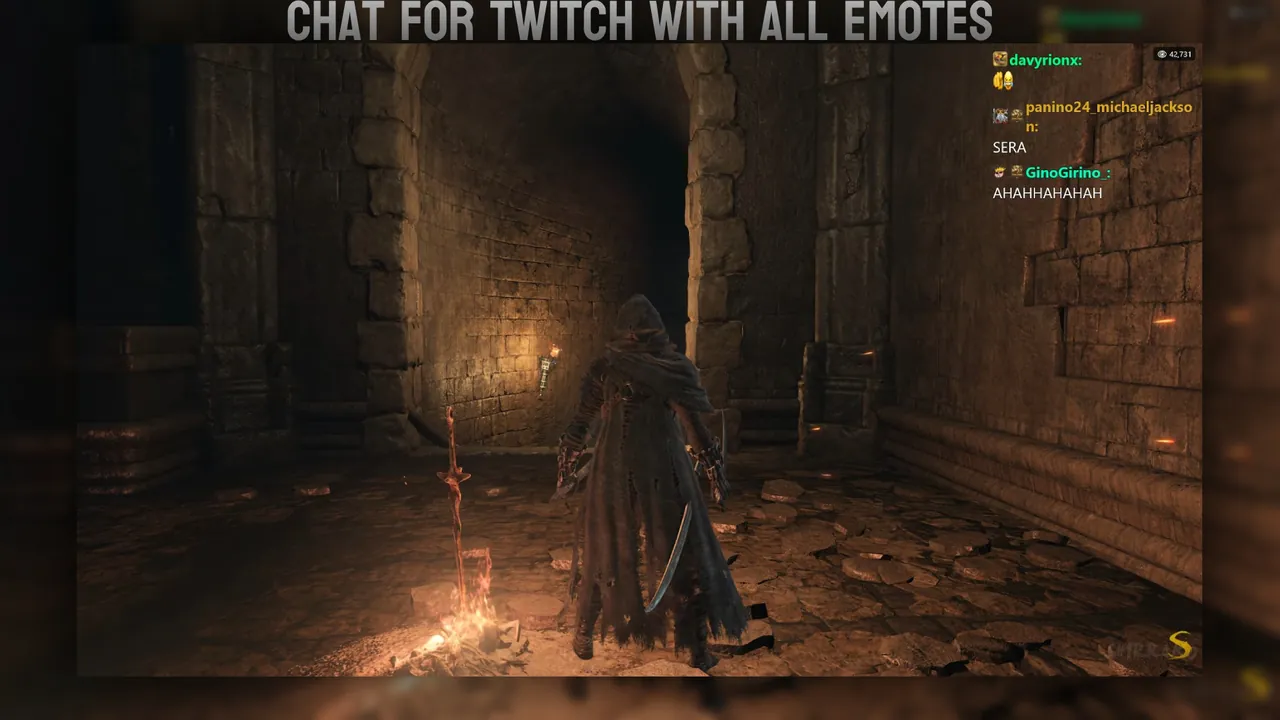
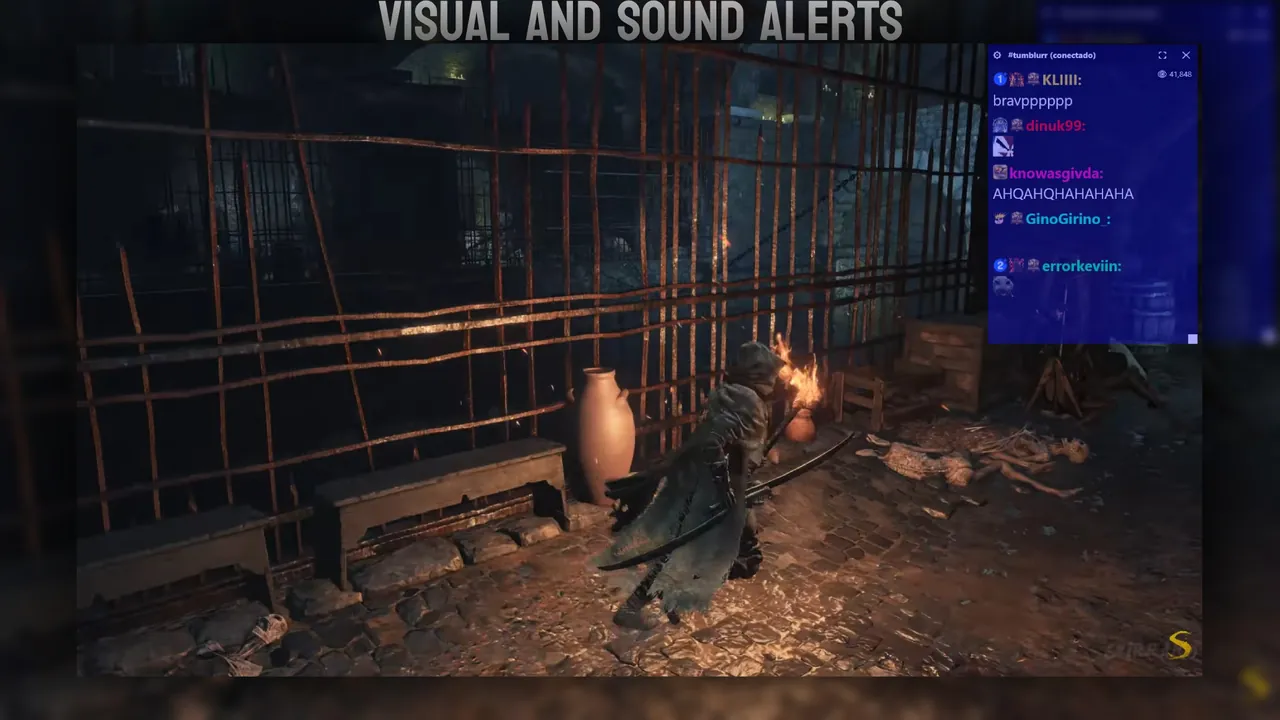
Live chat, event alerts, viewer count and in-app moderation, drawn as a transparent, click-through window on top of whatever you're playing.

Chat works with no login at all. Sign in only for viewer count, badges and moderation.

TTNOverlay
Add a screenshot hero_dark.webp

Everything in one overlay

Built for streaming, not for browsing.

Add a screenshot streamlabs_feature.webp

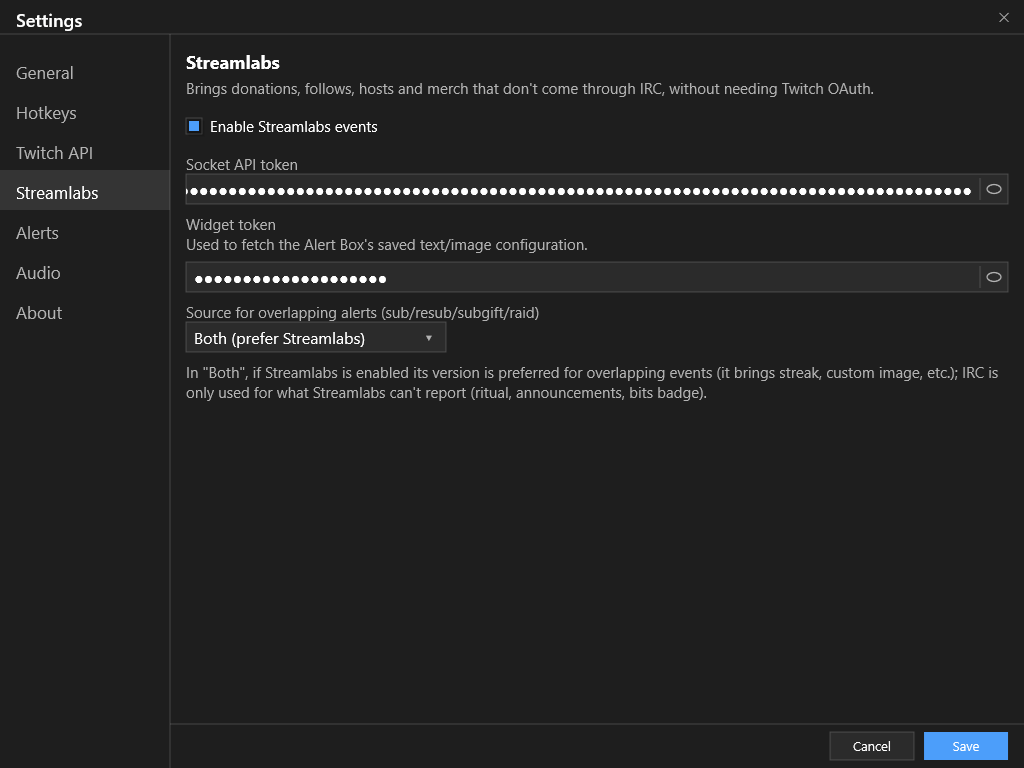
Streamlabs integration

Sign in with Streamlabs to unlock its custom alert box events, from GIFs to messages. Currently connects with a Widget Token and a Socket API Token. A one-click login like Twitch's is coming soon.

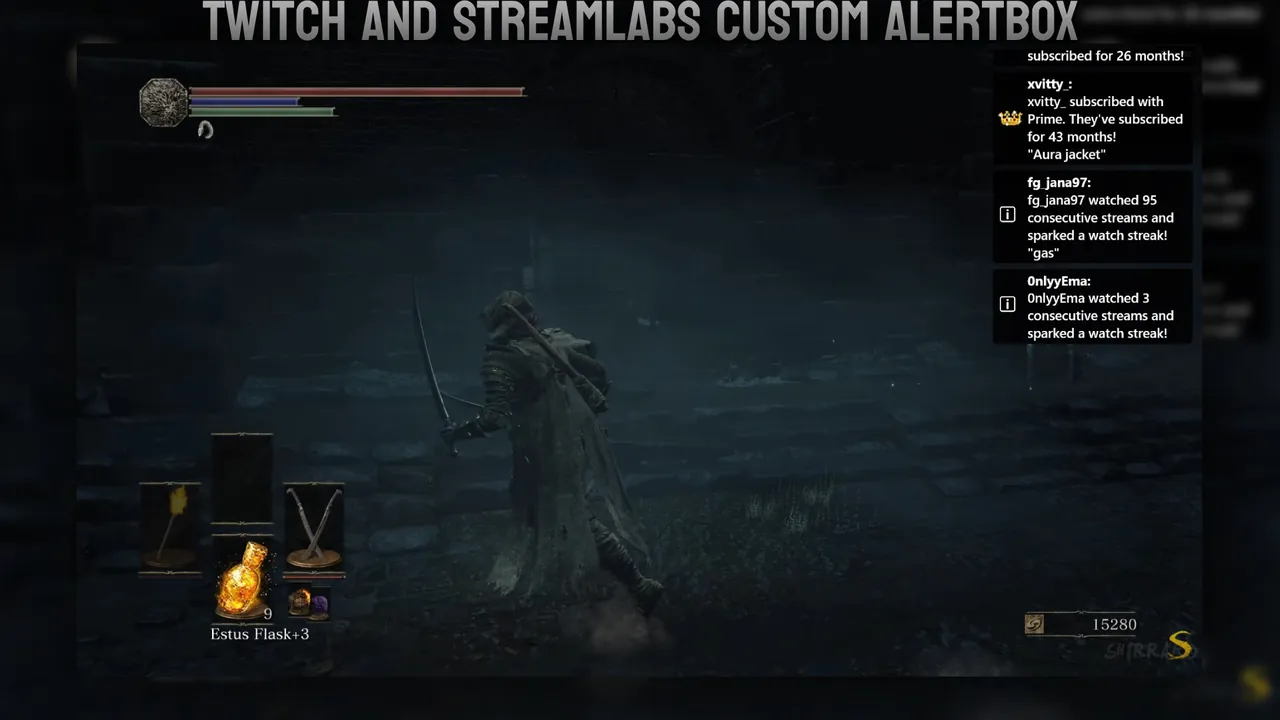
Add a screenshot events_feature.webp

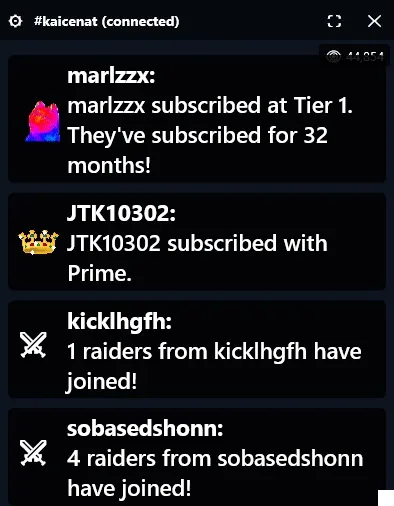
Event alerts

Subs, resubs, raids and announcements straight from IRC. Donations, follows, hosts and merch from Streamlabs if you connect it. Events reported by both sources are merged instead of shown twice.

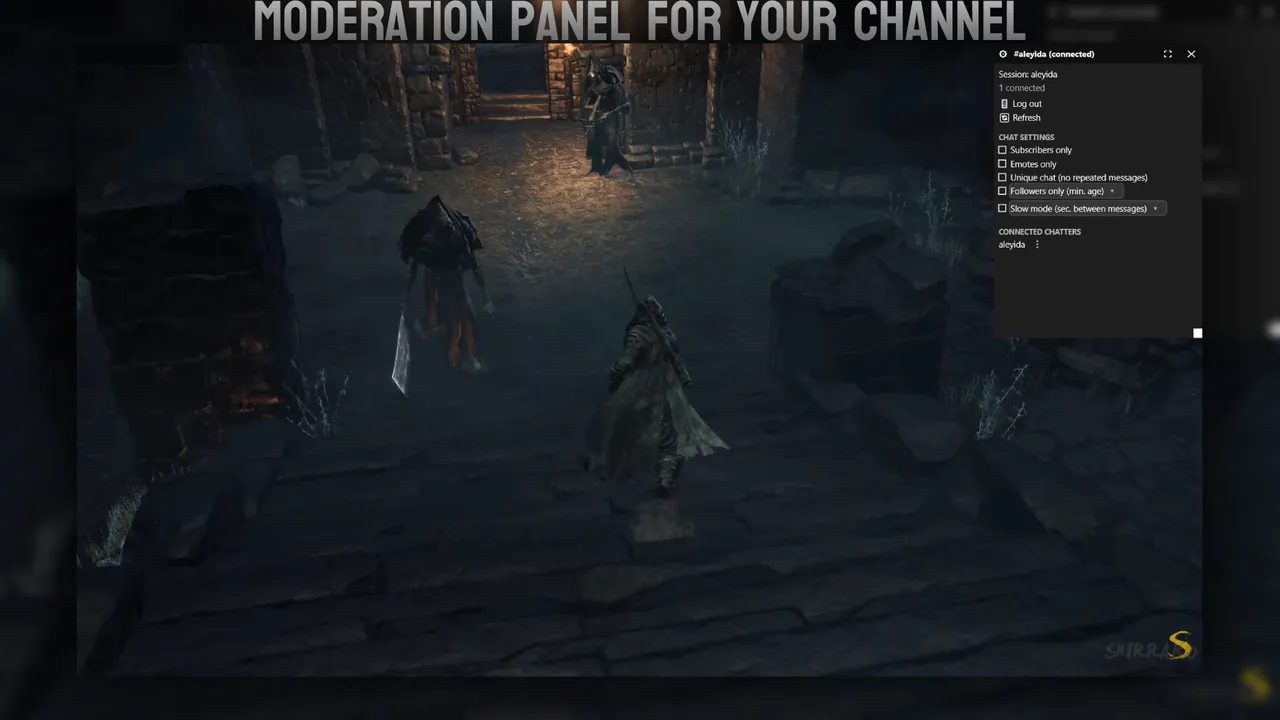
Add a screenshot modpanel_feature.webp

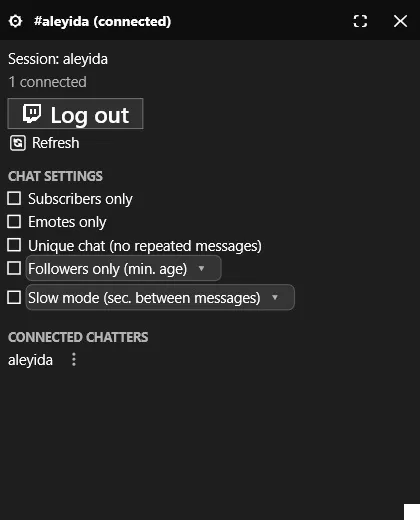
In-app moderation

Timeout, ban, warn and unban without tabbing out of your game. Requires signing in with a moderator or broadcaster account.

Add a screenshot alerts_feature.webp

Sound & flash alerts

Every event type gets its own color and can trigger a sound or a screen flash, fully configurable.

Add a screenshot viewers_feature.webp

Viewer count & badges

Shown once you sign in with your Twitch account through the Helix API.

Add a screenshot alerts_visualalertcolor_customizable_feature.webp

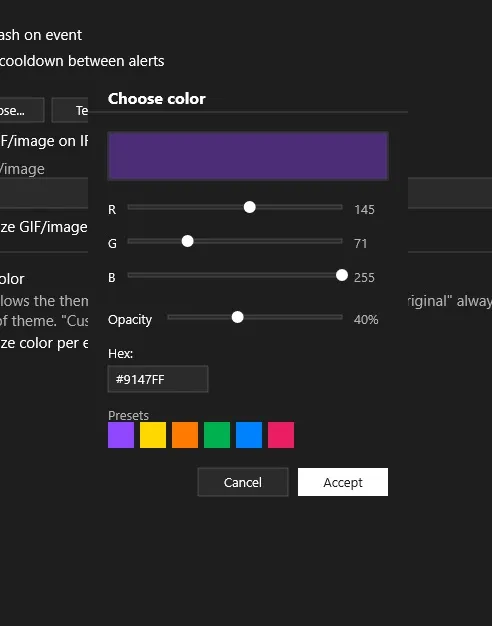
Custom alert colors

Pick the color of each visual alert with an RGB color picker.

Add a screenshot events_customizable_box_feature.webp

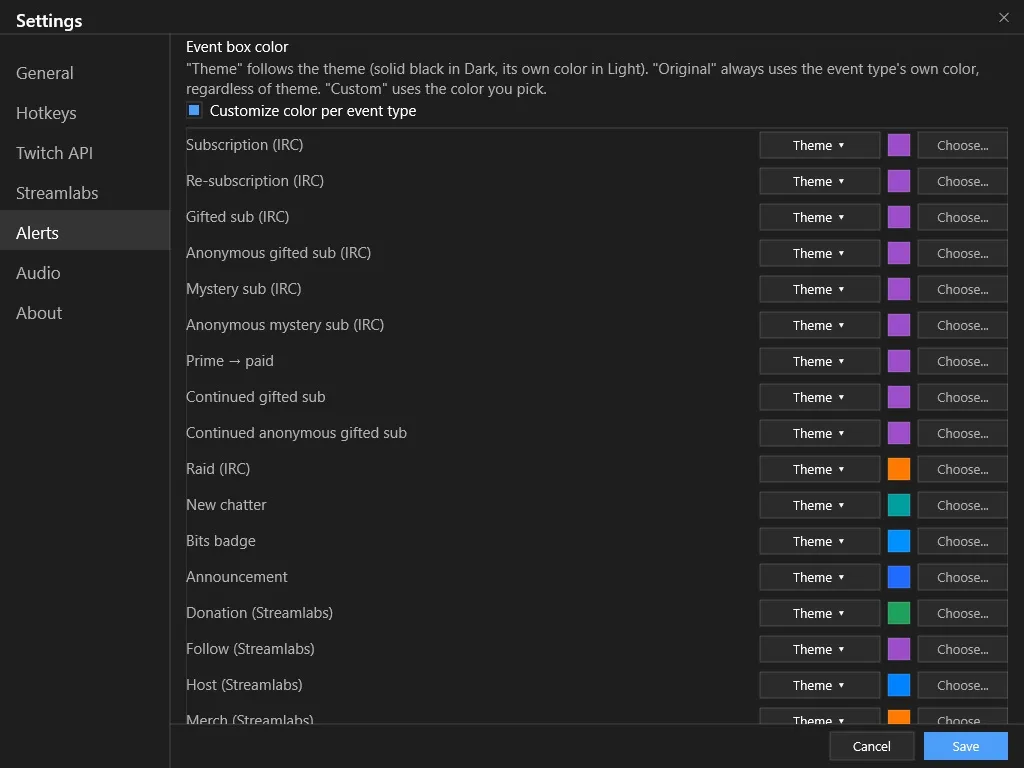
Custom event colors

Color the event box per event type and source — Streamlabs or IRC.

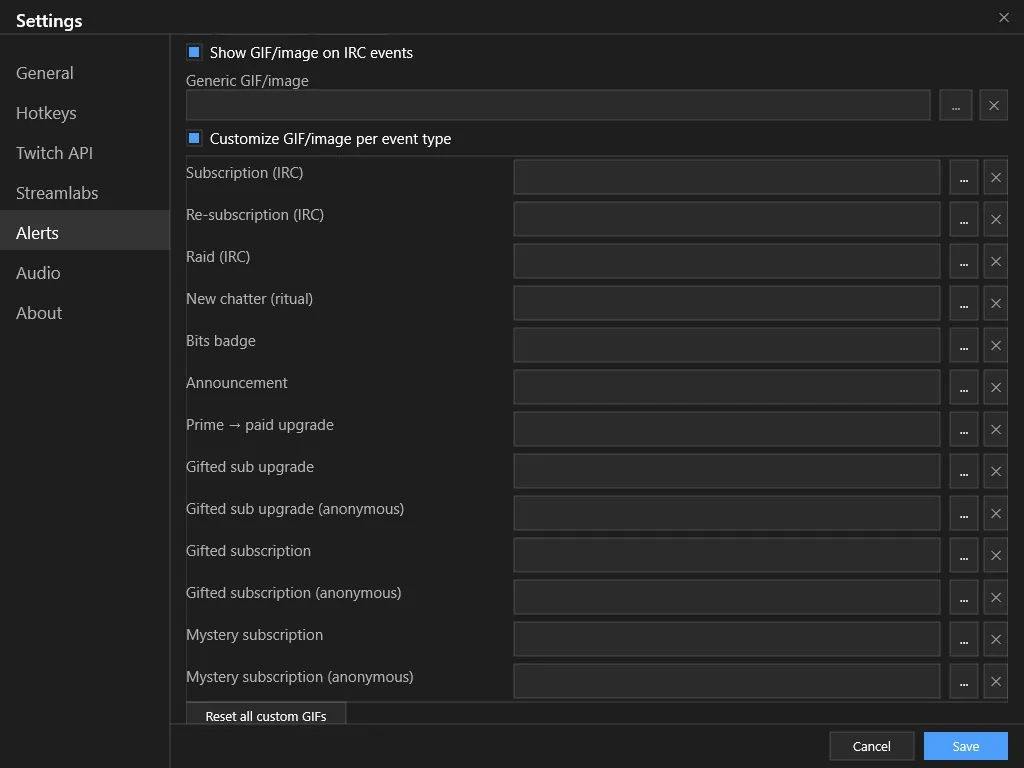
Add a screenshot events_customizable_gif_feature.webp

Custom event GIFs

Add or swap the GIFs shown for each event type, right from the settings panel.

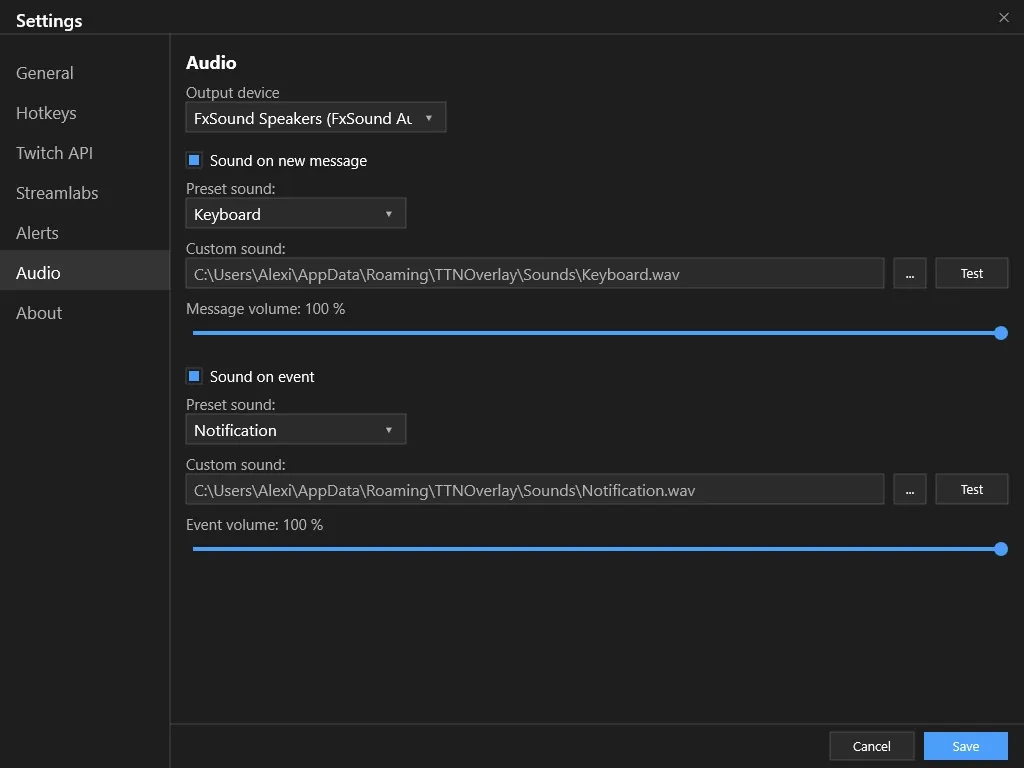
Add a screenshot alerts_audio_customizable_feature.webp

Custom alert sounds

A short sound plays for messages and events like subs and donations. Comes with default presets, or use your own.

See it in action

Screenshots

Drop image files into img/screenshots/ using the names below and they'll show up here automatically.

Place chat_finished.webp in img/screenshots/
Chat overlay
Place events_finished.webp in img/screenshots/
Event alerts
Place modpanel_finished.webp in img/screenshots/
Moderation panel
Place visualalert_finished.webp in img/screenshots/
Visual alert

Get it

Download TTNOverlay

A portable .exe. That's it.

Build it yourself

Needs the .NET 10 SDK and Visual Studio 2022+ (or just the dotnet CLI).

Run it:

dotnet run

Publish a portable .exe:

dotnet publish -c Release -r win-x64 \
  --self-contained true \
  -p:PublishSingleFile=true \
  -p:IncludeNativeLibrariesForSelfExtract=true

Found a bug?

Send feedback

Tell us what happened — it only takes a minute.